
You can now change the template of a contact
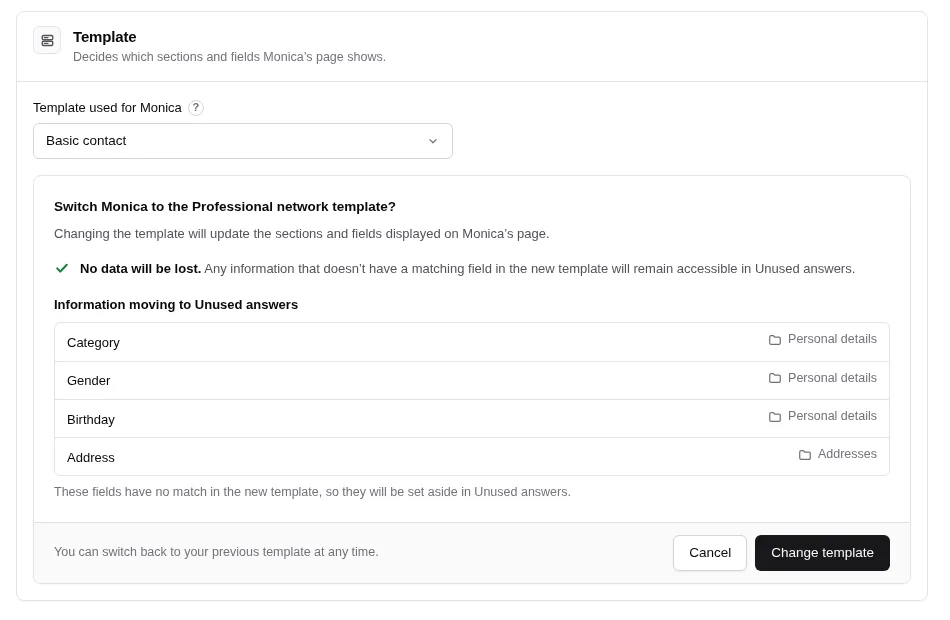
Move somebody onto another template when their page no longer fits them. Monica shows you what will happen first, and nothing you wrote is ever deleted.
 Regis Freyd
Founder
 View full screen
Every contact in Monica is shaped by a template. The template decides which tabs, sections and fields their page shows: a close friend can have a page about birthdays and favourite restaurants, and a colleague a page about their team and their manager.
Until now, a contact stayed on the template it was created with, for good. If you added Rachel with Basic contact and she later became your colleague, there was no way to give her the Colleague page. If you picked the wrong template by mistake, you lived with it, or you deleted the contact and started again, losing everything you had written about her.
Now you can move anybody onto another template, or onto another version of the one they use, whenever you want. Before anything changes, Monica shows you exactly what will happen: the answers that have no place on the new template and go to Unused answers, the ones that come back, and the reminders that stop or start again. Nothing you wrote is ever deleted, and you can switch back at any time.
How to change the template of a contact
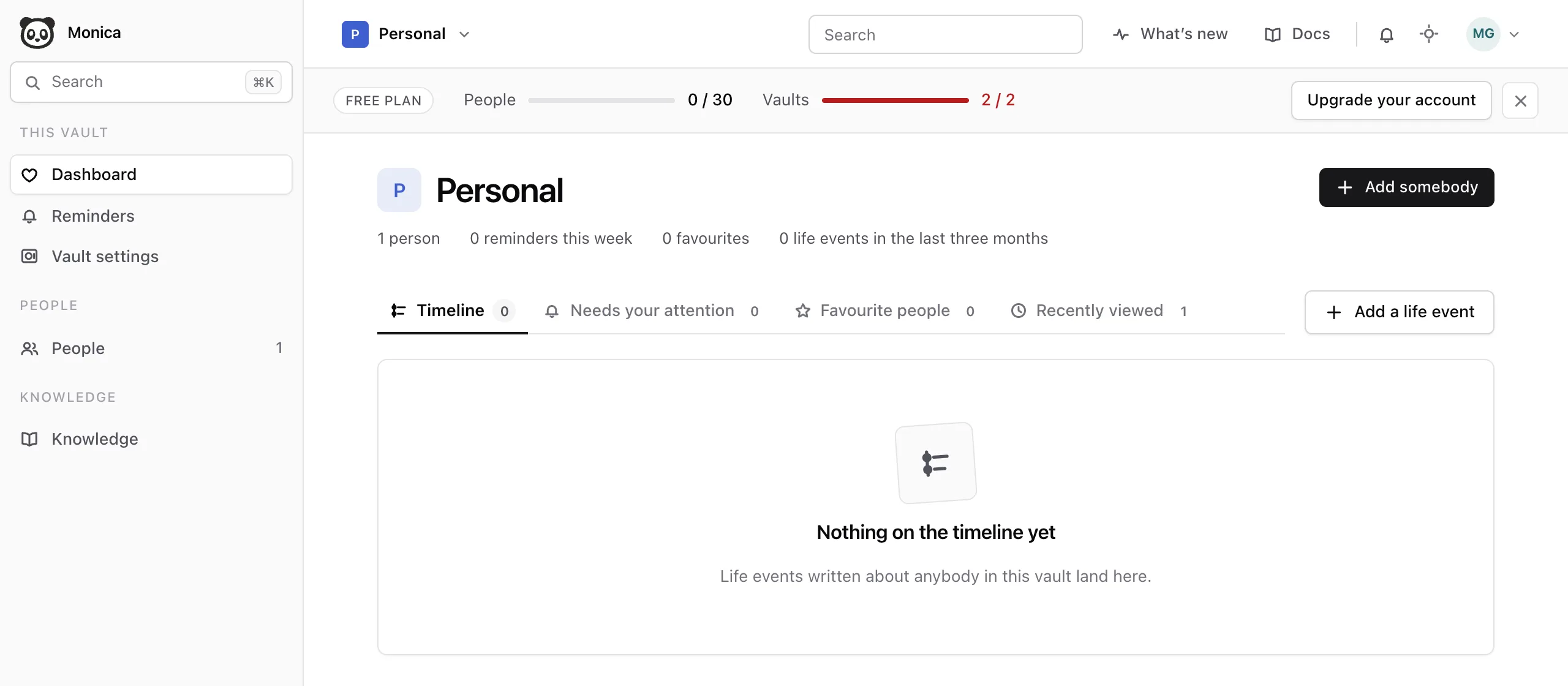
Open your vault. On its dashboard, choose People in the sidebar.
 View full screen
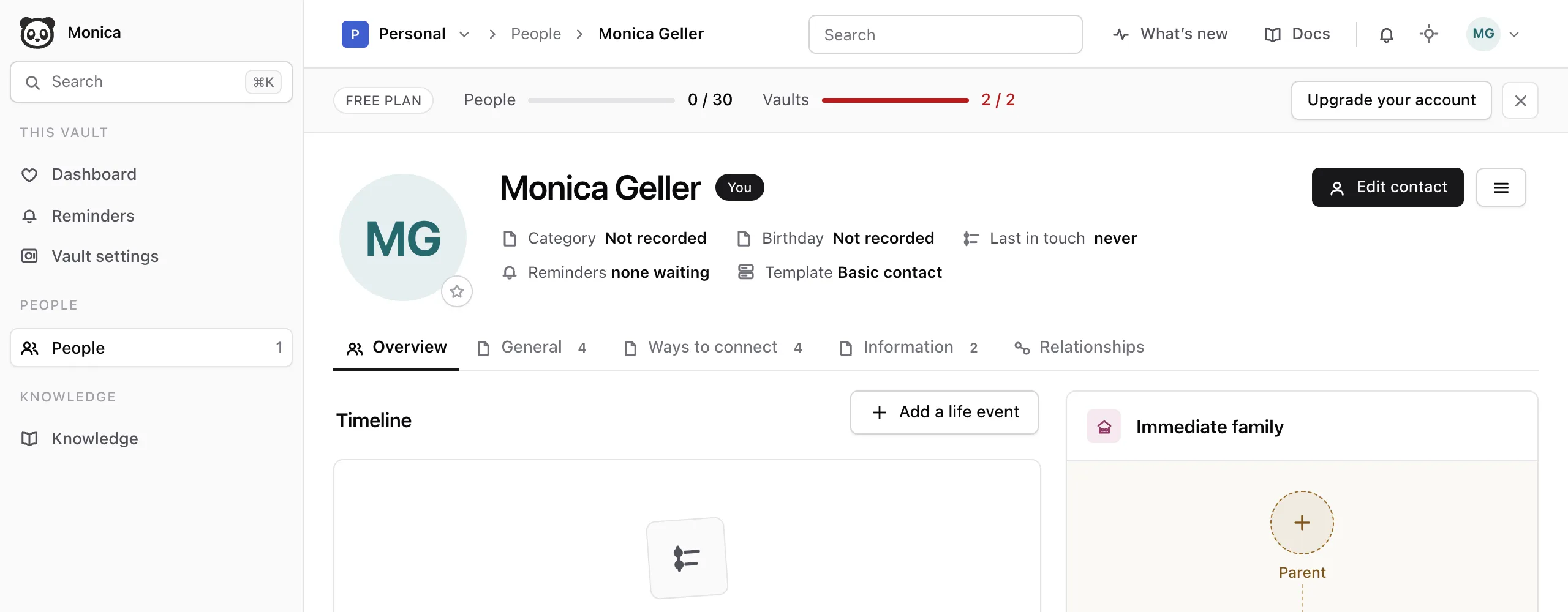
The vault dashboard. People is in the sidebar. In the list of people, choose the person whose template you want to change. The facts under their name end with the template their page uses.
 View full screen
The contact page says which template it uses. Edit contact is at the top right. Choose Edit contact, at the top right of their page.
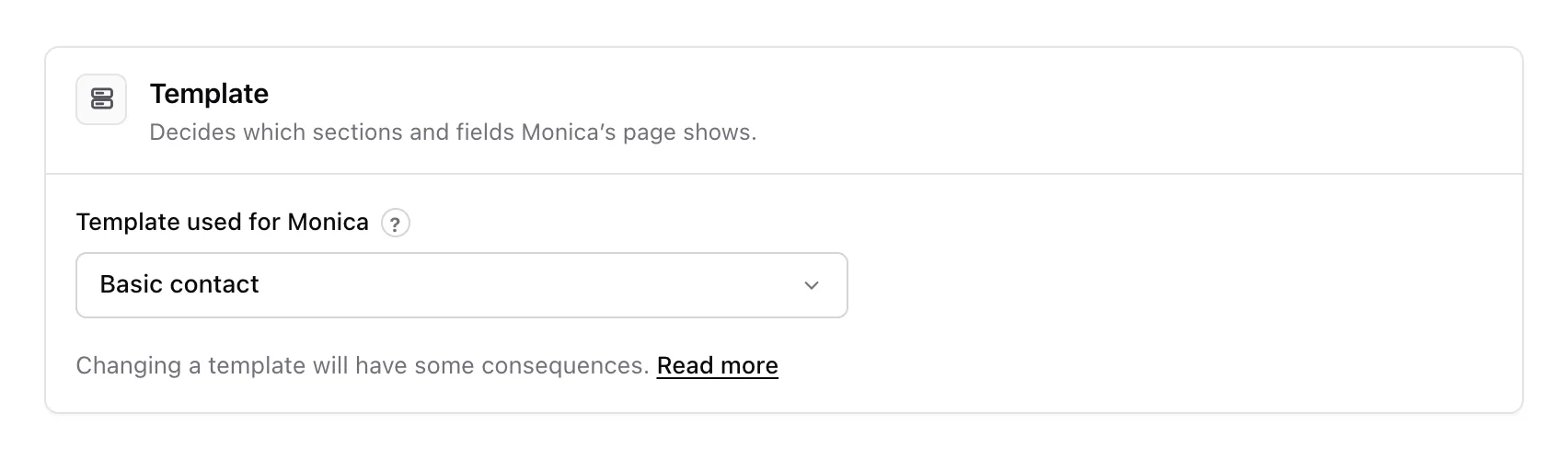
Scroll down to the Template panel. Open the list under Template used for, followed by their name. It shows every template you can use for contacts. A template with several published versions lists each of them, and the one the person uses now is ticked.
 View full screen
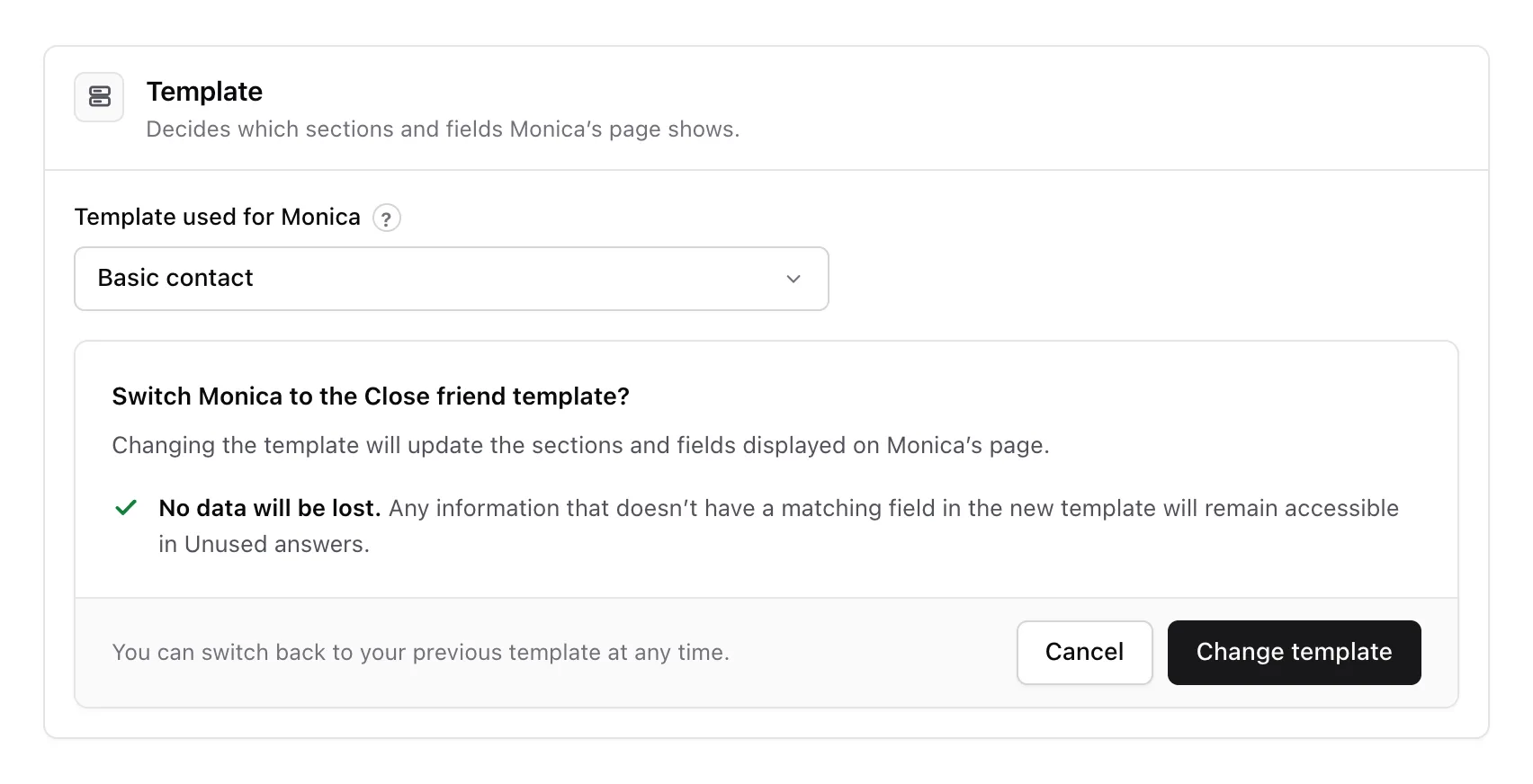
The Template panel, at the bottom of Edit contact. Pick the new template. Monica does not change anything yet. A box appears instead, asking whether to switch the person to that template, and listing what will happen to their page.
 View full screen
Monica asks before it changes anything. Read the lists in the box. When you are happy with them, choose Change template. To leave everything as it was, choose Cancel.
Monica takes you back to the contact's page, which now shows the tabs and sections of the new template.
The Template panel only appears when there is something to choose. If you have a single template for contacts, with a single published version, there is nothing to switch to, and the panel stays hidden.
What happens to what you wrote
An answer that has a matching field on the new template moves to it, and its reminder keeps running. A birthday stays a birthday.
An answer with no place on the new template goes to Unused answers. It no longer shows on the page, but Monica keeps it, and it comes back on its own as soon as the person uses a template with a matching field again. A reminder on a date that goes there stops, and starts again when the date comes back.
The name, the photo, relationships, life events and groups belong to the person rather than to the template, so a change of template never touches them.
Changed your mind?
Pick the old template again on Edit contact, and everything that went to Unused answers comes back. You can also open Version history from the menu next to Edit contact and revert to the template the person used before.
Scripts and AI assistants can do the same, with the same rules: the API and the MCP server can both preview a change of template and make it.